
Your website is the digital front door to your business. You wouldn’t leave your shop unlocked overnight, but many website owners unintentionally do just that — by overlooking basic security practices.
The good news? You don’t need to be a web developer or cybersecurity expert to make your WordPress website significantly safer. A few simple steps can make your site a far less appealing target for hackers and automated bots.
Here are some quick, effective ways to improve your WordPress security today.
1. Keep Everything Updated
It sounds simple – but it’s one of the most effective things you can do.
WordPress, along with your theme and plugins, releases updates regularly to fix bugs and patch security vulnerabilities.
If you don’t keep your site up to date, you’re leaving known gaps open for hackers.
Tip:
Check for updates weekly or enable automatic updates for minor releases. Before updating, back up your site (more on that below).
2. Don’t Use “Admin” as Your Username
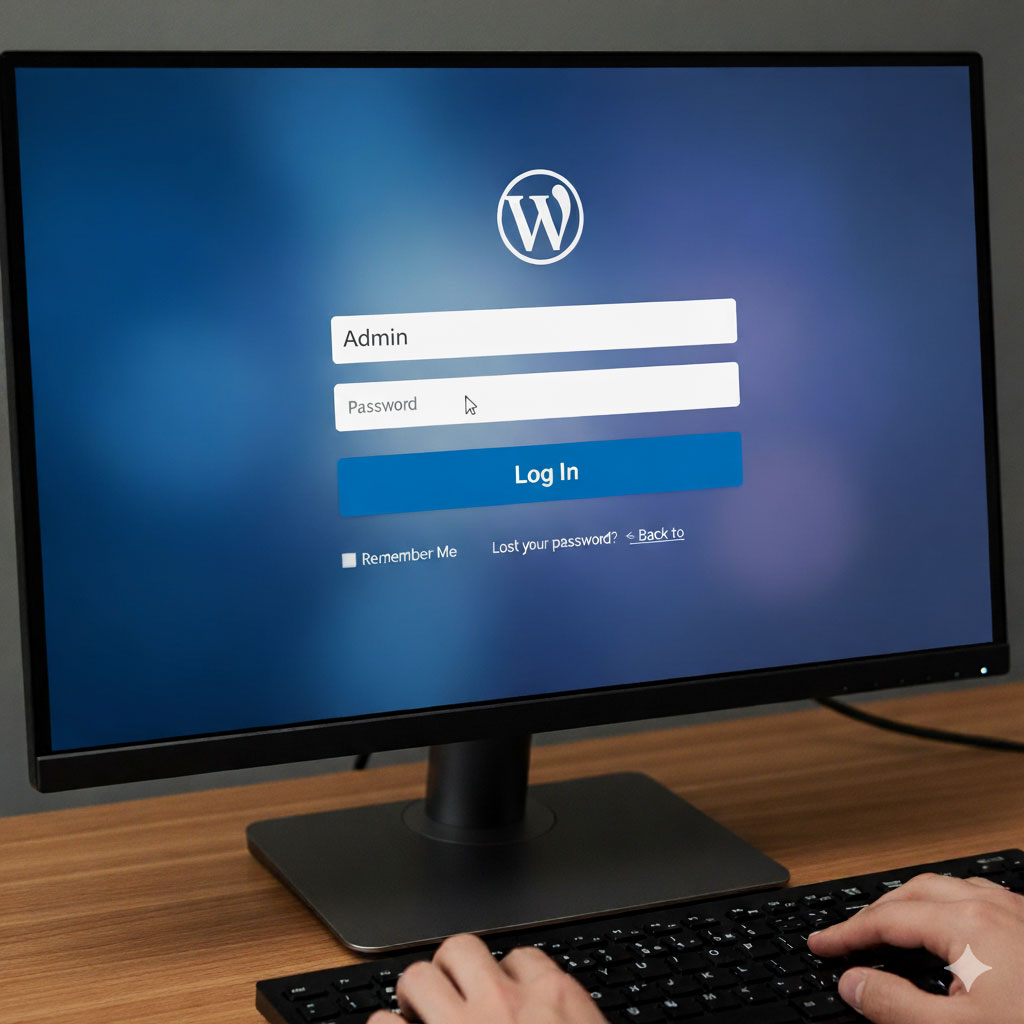
“Admin” is the most common username hackers try when attempting to log in.
If your login page says “Admin,” you’ve already done half their job for them.
How to fix it:
- Create a new administrator account with a unique username.
- Log in using that account.
- Delete the old “Admin” account (and transfer any content to your new user).
3. Use Strong Passwords
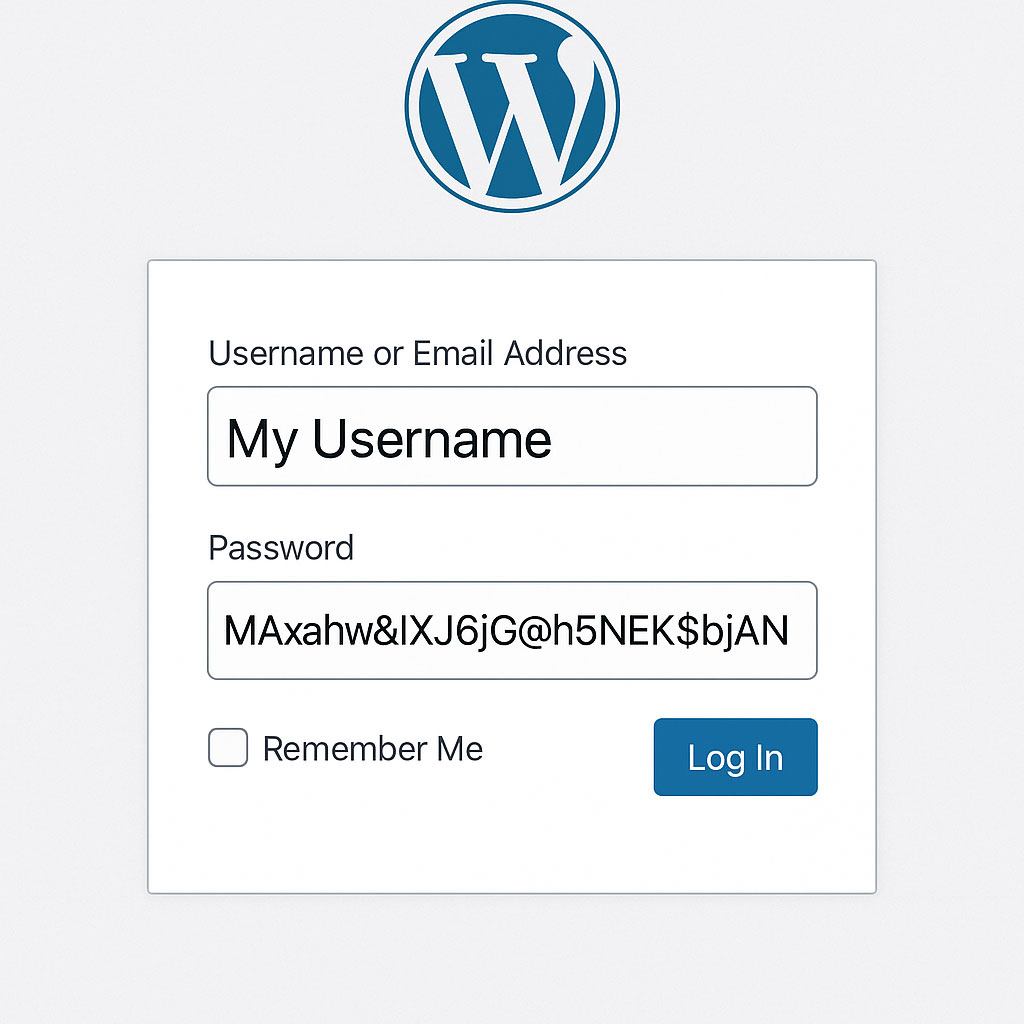
Weak passwords remain one of the biggest security risks online.
Your dog’s name and a few numbers won’t cut it.
Instead:
4. Install a Security Plugin
Security plugins can monitor your site for suspicious activity and help block brute-force attacks.
Popular choices include:
- Wordfence – offers firewall protection and malware scanning.
- iThemes Security – easy to set up and covers most basics automatically.
- Sucuri Security – excellent for ongoing monitoring and firewall services.
Pro tip: You only need one security plugin. Installing multiple can cause conflicts.

5. Enable Two-Factor Authentication (2FA)

Even if someone guesses or steals your password, 2FA stops them from logging in without a second code (usually from your phone).
It’s a small step that massively improves your security.
Many plugins (like Wordfence) offer 2FA built-in, or you can use apps like Google Authenticator.
6. Back Up Your Website Regularly
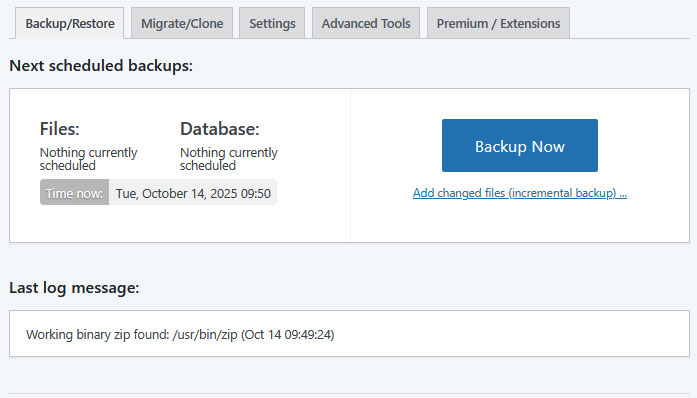
If the worst happens – a hack, an update failure, or accidental deletion — a recent backup can save you from a lot of stress.
Set up automatic backups at least once a week.
Plugins like UpdraftPlus or Jetpack Backup make it easy to schedule backups to cloud storage (Google Drive, Dropbox, etc.).
7. Limit Login Attempts
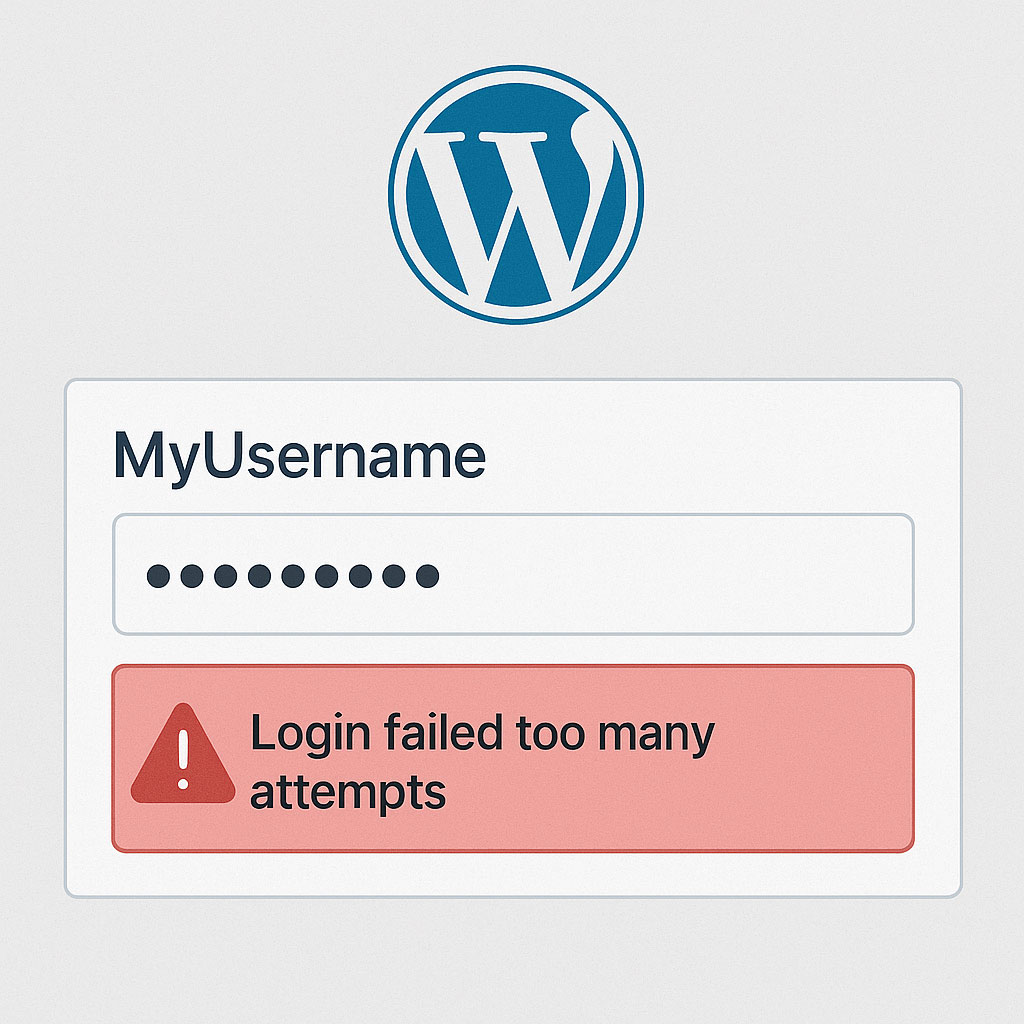
By default, WordPress lets users try logging in as many times as they want, perfect for brute-force bots trying endless password combinations.
A plugin like Limit Login Attempts Reloaded or WP Limit Login Attempts lets you set a maximum number of tries before temporarily blocking the IP.
8. Use HTTPS (SSL Certificate)
If your website address doesn’t start with https://, Google (and your visitors) will see it as insecure.
Most hosts provide free SSL certificates (often via Let’s Encrypt). It’s quick to set up and essential for protecting data and trust.
You don’t need expensive tools or deep technical skills to protect your WordPress website – just consistent habits and a few smart plugins.
Think of website security like car maintenance: a little regular care prevents big, expensive problems later on.
If you’d like help reviewing your site’s security or setting up these changes, Digital Training Lancashire can help. Whether through one-to-one training, tailored workshops, or ongoing support. Get in touch with us to find out how we can help.